

From Safeair Media
Touchless passenger
safety for your fleet
Add a QR code to your Safeair briefing card. Passengers open the digital safety copy with their phone camera. No app to install.
Assign a code per aircraft, change links when you need to, and check scan counts in the operator dashboard.
30+
Years printing aviation safety cards
3
Regulatory frameworks (FAA, TC, EASA)
QR
Printed on your briefing card
Live
Scan counts in your dashboard
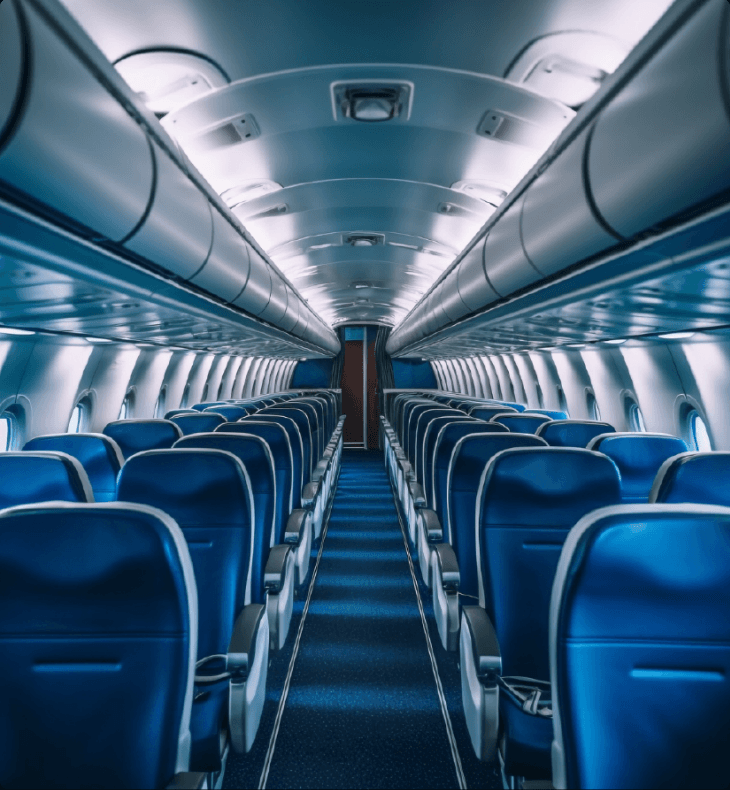
In the cabin
The card is already in the seat pocket
Passengers scan the QR on the briefing card before takeoff. They see the same safety information you print today, and any extra links you choose to add (Wi-Fi, services, and so on).
On the briefing card
Built for Safeair cards you already order for your aircraft.
Any smartphone
Opens in the browser. No app store and no passenger login.
You pick the links
Point the QR at safety content, Wi-Fi details, or your own pages.
Where it goes on the aircraft
Most operators start with the briefing card. Cabin plaques and seatback panels are available when you want to go further.
Sit and Scan for Safety
Safety briefing card
QR on the card links to a digital copy of the safety briefing. Scans are logged in Seatpitch.
Passenger Tap and Scan
Cabin touchpoints
NFC plaques and crew cards open a small site with safety info, Wi-Fi, and cabin details.
Seatback Information Exchange
Seatback panels
Seatback NFC for ordering, payments, and cabin information at the seat.
How it works
Order your cards
Safeair prints briefing cards for your aircraft type and cabin layout.
Add the QR
Seatpitch generates a branded code sized for the card artwork.
Passengers scan
They read the safety copy and any links you attached to that QR.
You run the fleet
Assign codes by aircraft, edit destinations, and review scans online.
Operator tools
Digital safety copy
Host the card online. The printed card stays on board as required.
Per-aircraft codes
One QR per tail number, or grouped however your operation works.
Scan counts
See when and how often passengers open the linked content.
Print-ready QR
Logo and sizing set for Safeair card layouts.
Need briefing cards for your fleet?
Safeair handles print. Seatpitch handles the QR and the dashboard.